

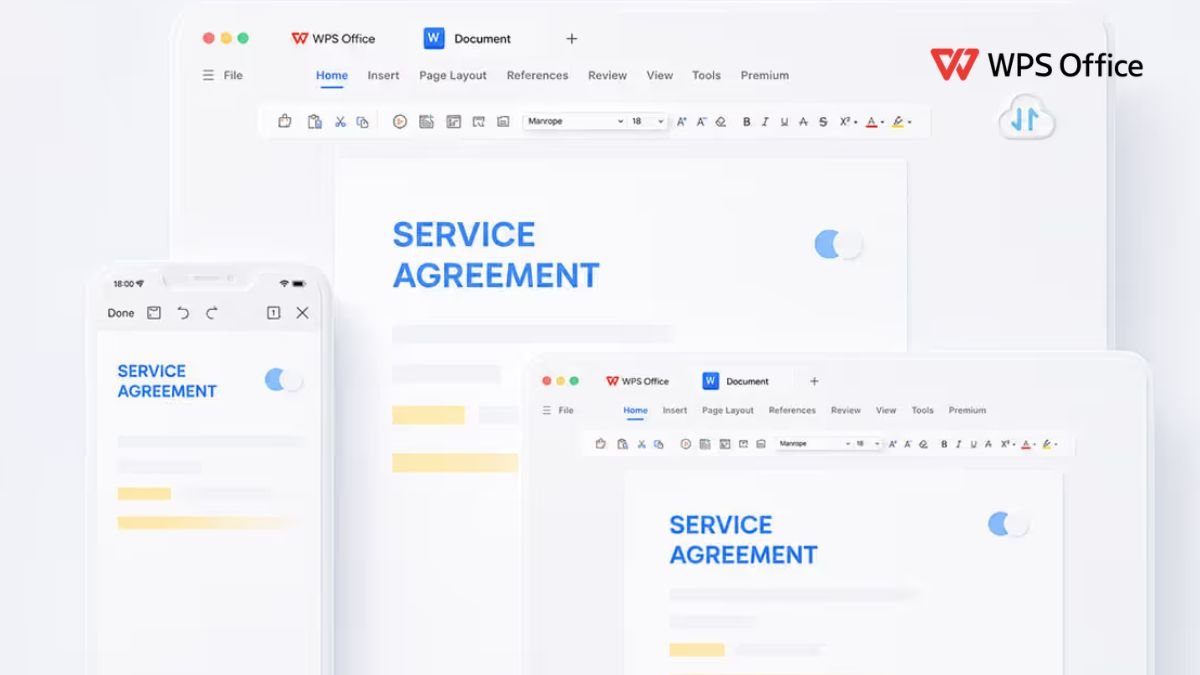
Modern work and study involve much more than simply writing documents. A typical day can include preparing reports, managing spreadsheets, creating presentations, reading PDFs, organizing information, collaborating with other people, and moving files between different devices. When every task requires a separate application, even simple projects can become unnecessarily complicated.
WPS brings several everyday office tools together in one connected productivity suite. Its workspace includes Writer, Spreadsheet, Presentation, and PDF tools, while AI features can help with writing, data analysis, presentations, document summaries, and other repetitive tasks. The suite also supports common Microsoft Office formats, making it easier to work with files created in different environments.
For students, freelancers, professionals, and small teams, the biggest advantage of an all-in-one workflow is not simply having more features. It is having fewer interruptions between one task and another. With a little planning, WPS can become the foundation of a more organised digital routine.
Start by Organising Your Work Around One Digital Workspace
A productive workflow starts with organisation. If documents are scattered across different applications, folders, cloud accounts, and devices, finding the right file can take almost as much time as completing the work itself.
WPS combines document creation, spreadsheets, presentations, and PDF work within the same overall environment. This makes it easier to move from one type of task to another without constantly changing applications. For example, a student might write research notes in Writer, analyse survey results in Spreadsheet, prepare a presentation from the findings, and then export the finished material as a PDF.
The same approach can be useful in professional settings. A marketing employee may create a campaign proposal, maintain a performance spreadsheet, prepare a presentation for a client meeting, and share the final documents with colleagues. Keeping these activities within a connected office workflow can make the entire process feel more structured.
The goal is not to use every available feature. Instead, identify the tasks you perform most frequently and create a simple routine around them. Once you know where documents, data, presentations, and PDFs fit into your workflow, everyday work becomes easier to manage.
Use WPS Writer to Create Clearer Documents
Writing often takes longer than expected because creating the first draft, correcting language, formatting headings, and reviewing the final version all require separate steps. A good writing workflow should make these stages easier without removing the user’s control over the final document.
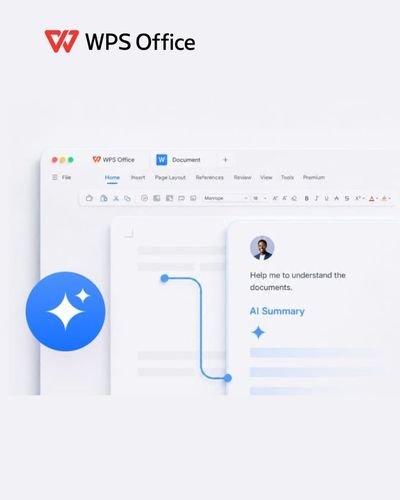
WPS Writer is designed for creating and editing everyday documents such as reports, proposals, letters, resumes, and other professional or academic material. WPS AI can also assist with drafting, rewriting, summarising, translation, spelling, and improving the clarity of text.
A useful approach is to start with the purpose of the document. Before writing, decide who will read it, what information they need, and what action you want them to take. You can then create an outline and develop each section instead of trying to write the entire document at once.
For students, this can be useful when preparing assignments or project reports. For professionals, it can help when creating proposals, meeting documents, internal reports, or client communications.
The important step is reviewing the finished content yourself. AI assistance can speed up drafting and editing, but the final document should still reflect your own information, judgment, tone, and requirements.
Turn Spreadsheets Into Practical Information
Spreadsheets are powerful, but large tables can quickly become difficult to understand. A good spreadsheet workflow is therefore about more than entering numbers. It should help you organise information, identify patterns, and communicate useful results.
WPS Spreadsheet can be used for budgets, trackers, calculations, reports, charts, and other data-based tasks. Its AI features can assist with formulas, data analysis, cleaning, summaries, and visualisation.
Start by keeping your data structured. Use clear column headings, consistent formats, and separate sections for raw information and final results. This makes later analysis much easier.
For example, a small business could maintain a spreadsheet containing monthly sales, expenses, customer information, and campaign results. A student could use one to track attendance, assignment deadlines, marks, or survey responses.
Charts can also make information easier to understand. Instead of presenting a large table during a meeting, you can use a simple visual to highlight important changes or comparisons. WPS can help turn spreadsheet information into charts and summaries, reducing some of the manual work involved in presenting data.
The best spreadsheet is not necessarily the one with the most formulas. It is the one that helps you find the information you need quickly and confidently.
Create Presentations Without Starting From Scratch
Presentations often require people to transform large amounts of information into a clear visual story. Copying information from documents, designing individual slides, creating charts, and maintaining consistent formatting can consume a significant amount of time.
WPS Presentation provides tools for creating and editing slide decks, while WPS AI can help turn ideas, topics, or existing information into presentation structures. Users can then edit the generated content and adjust layouts, themes, charts, and other elements to match their needs.
A strong presentation should have one clear purpose. Instead of placing every piece of information on the slides, decide what the audience needs to understand. Use headings to guide the story and keep supporting details concise.
For example, a student presenting a business project could structure the deck around the problem, research, findings, proposed solution, and conclusion. A professional could use a similar structure for a client proposal or internal business presentation.
Templates can also save time by providing a consistent visual foundation. However, customization is still important. Adjust the text, images, charts, and layout so the final presentation feels relevant to the subject rather than looking like an untouched template.
Make PDF Tasks Part of the Same Workflow
PDFs are often treated as the final stage of a project, but many workflows require people to work with PDFs throughout the process. Documents may need to be converted, combined, compressed, signed, reviewed, or shared with others.
WPS includes PDF functionality within the same broader office environment. Its tools can support PDF reading, editing, conversion, merging, splitting, compression, and signatures, while WPS AI can help users summarise PDF content and ask questions about long documents.
This can be particularly useful when dealing with lengthy reports, contracts, research material, invoices, or business documents. Instead of manually searching through every page, AI-assisted document features can help identify relevant information more quickly.
For example, a student reviewing a long research document can use summarisation to understand its main points before reading specific sections in detail. A professional reviewing a business document can use document questions to locate important information before preparing a response.
PDF management also becomes easier when it is connected to the rest of the workflow. You can create a document, edit it, convert it into PDF, review the final version, and share it without constantly moving between unrelated applications.
Build a Workflow That Works Across Devices and Teams
A digital workflow becomes much more useful when it continues beyond one computer. Students may move between home, college, and mobile devices, while professionals may work from offices, homes, meetings, and travel locations.
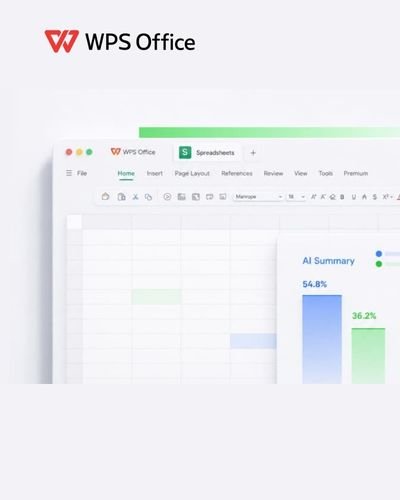
WPS is available across Windows, macOS, Linux, Android, and iOS, allowing users to work with office documents across different types of devices. Its ecosystem also supports collaboration features such as sharing, comments, permissions, and real-time co-editing.
For individual users, this can mean starting a document on a laptop and continuing work elsewhere. For teams, shared documents can make feedback easier because comments and edits remain connected to the relevant file rather than being scattered across multiple conversations.
A practical workflow might begin with planning in Writer, move into Spreadsheet for data, continue in Presentation for communication, and finish with PDF for sharing. Once this process becomes familiar, there is less need to think about which application should handle each task.
The most effective digital workflow is ultimately the one that reduces unnecessary effort. WPS combines several common office activities with AI-assisted tools, file compatibility, collaboration, and cross-device access, giving users a single environment for many everyday productivity needs.
Whether you are preparing college assignments, managing business documents, analysing data, creating presentations, or handling PDFs, organising these tasks into one consistent workflow can help you spend less time managing tools and more time completing meaningful work.
